
Forge
Every file,
one window.
Forge is a writing app for the Mac that opens your whole folder. Markdown reads like a page, and code, spreadsheets, PDFs, Word files and slide decks sit beside it as tabs. Everything stays a plain file in a folder you chose — and when that folder is a git repository, Forge commits and syncs it for you.
What it
does
Markdown that reads like a page
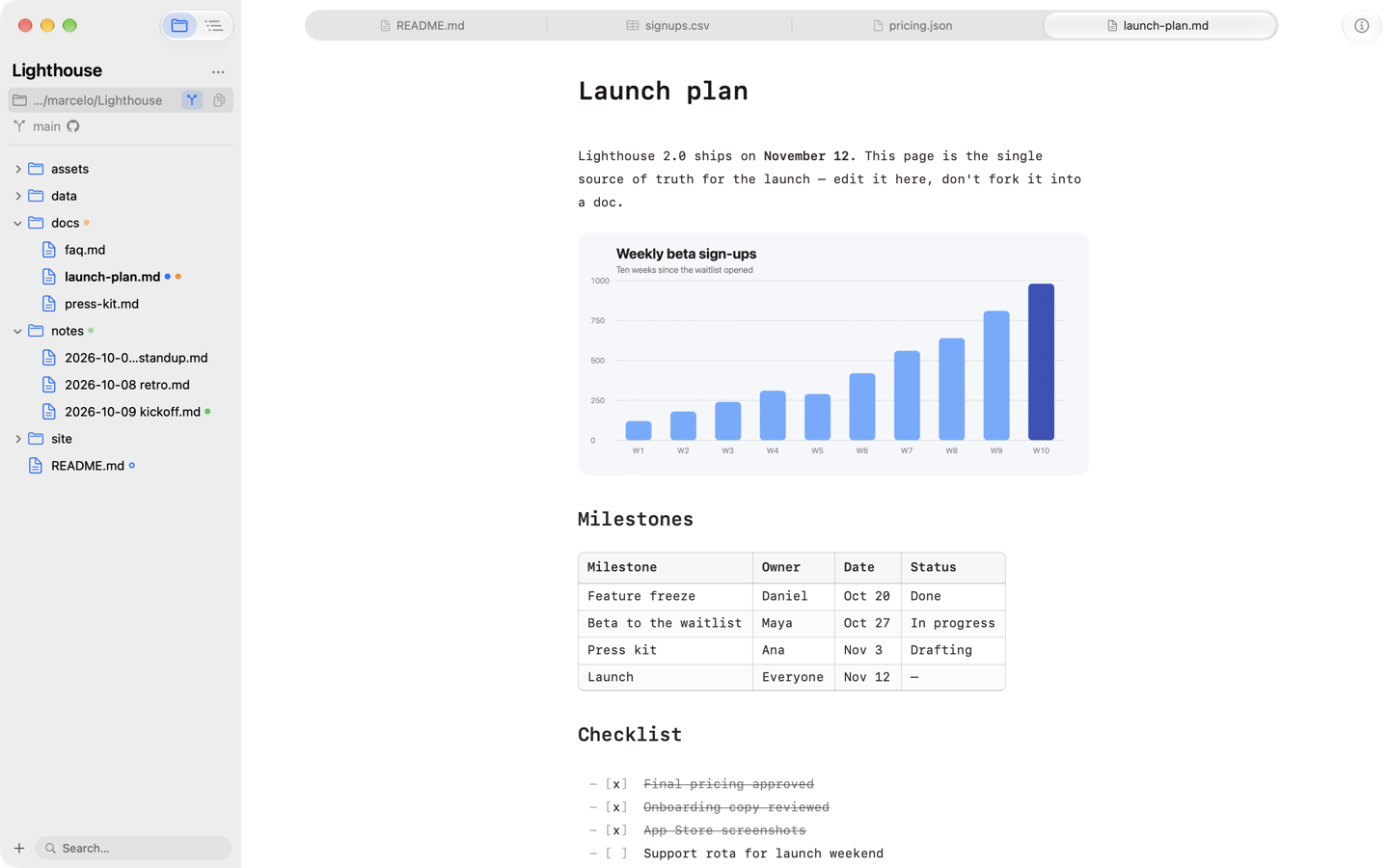
Headings, images, tables, task lists, quotes, code blocks and footnotes render as you type, and the syntax steps aside until your cursor needs it. Underneath it is still a plain .md file that any other app opens unchanged.
Every file in one window
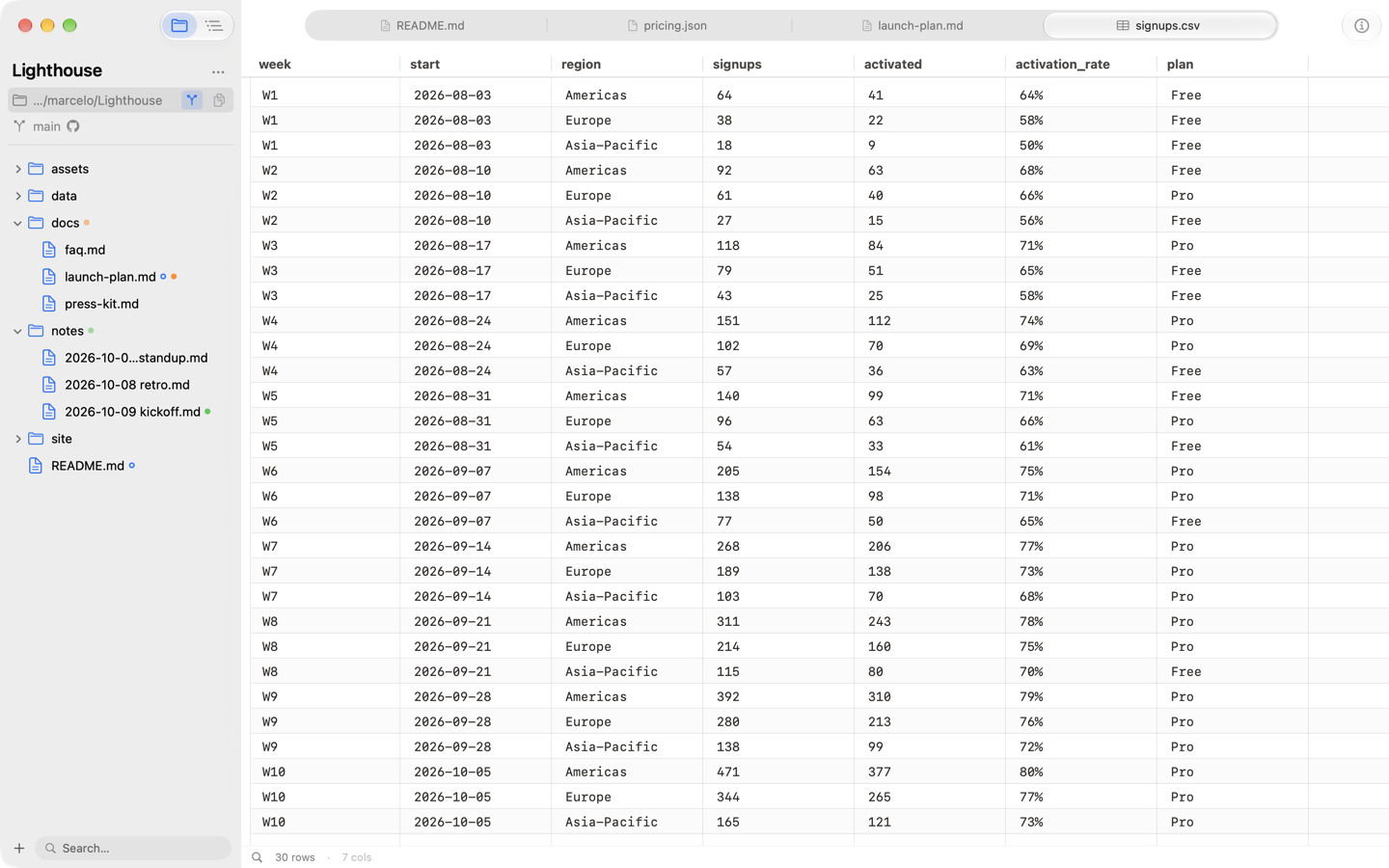
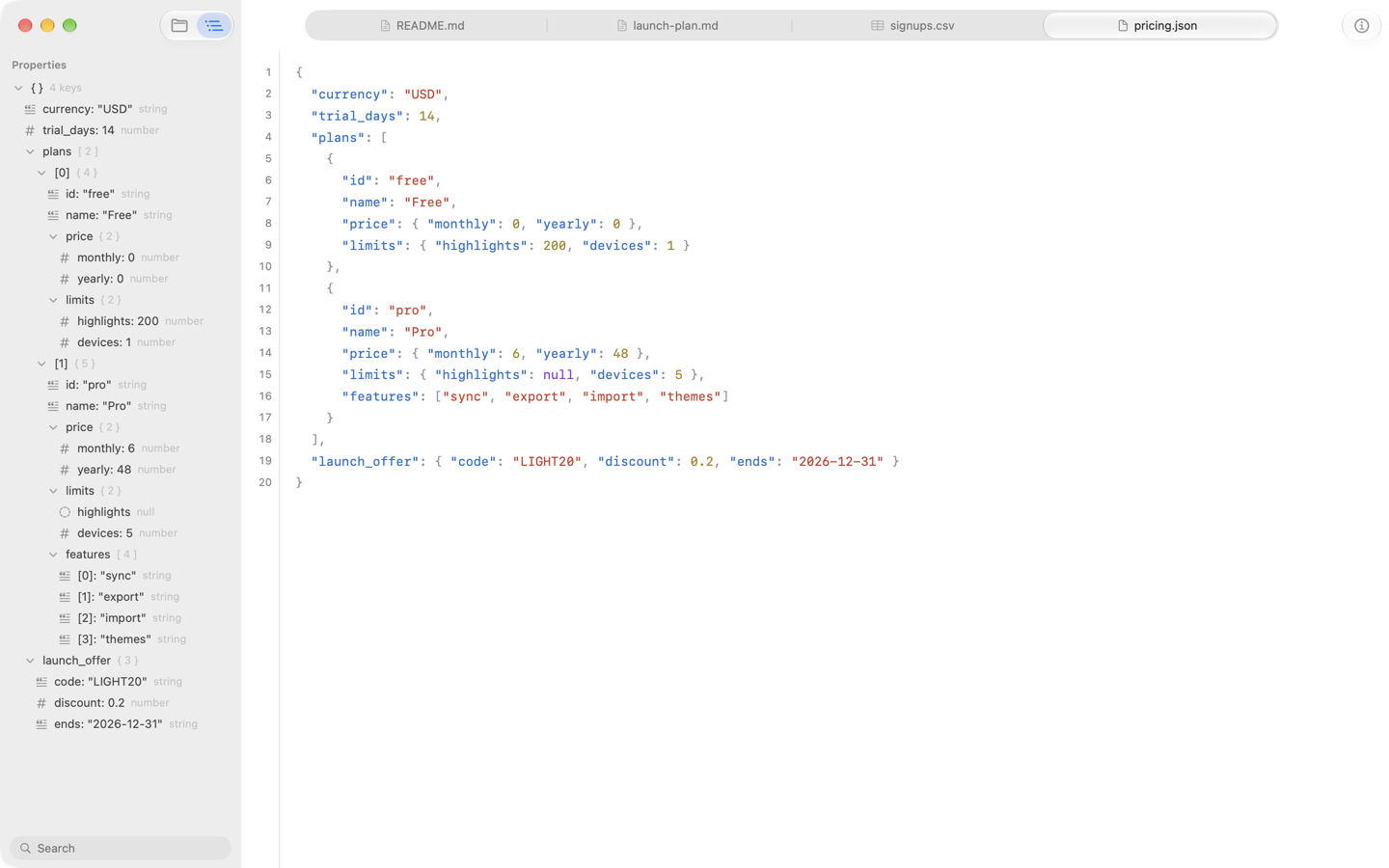
Code in twenty-odd languages with syntax highlighting, CSV and TSV as an editable grid, JSON with its structure laid out. Word documents, PowerPoint and Keynote decks, PDFs and images open as tabs too — right where you were.
Your folder, not a library
Forge opens a folder you already have — in iCloud Drive, Dropbox, anywhere — and shows it in the sidebar. Quick Open jumps to any file by name. Nothing gets imported, renamed or locked away.
Git without the terminal
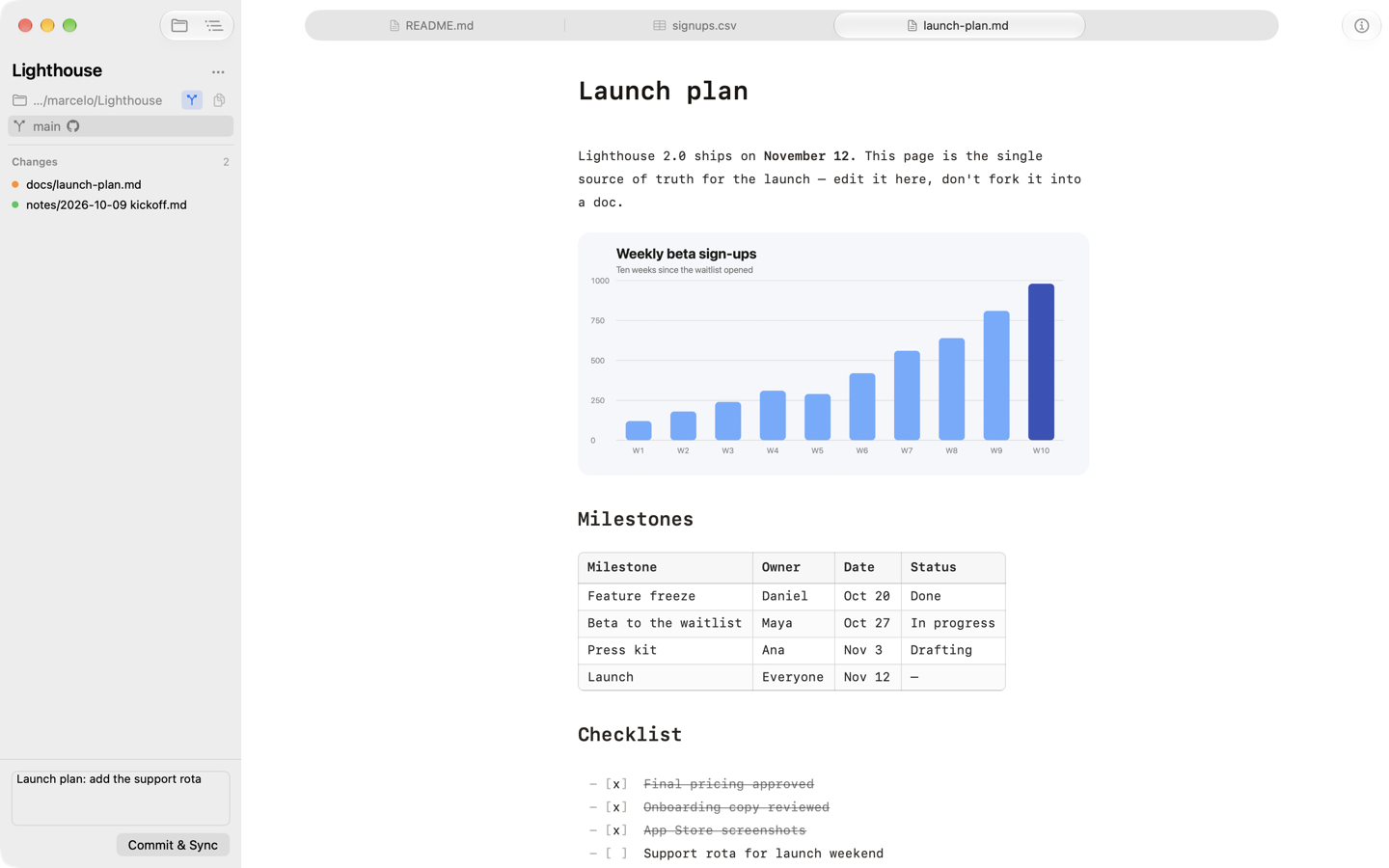
Changed files get a dot in the sidebar. The Changes panel lists them; write a sentence and press Commit & Sync. If someone else changed the same lines, Forge backs out the merge and keeps your work committed, instead of leaving conflict markers behind.
GitHub, signed in once
Sign in with GitHub with a short code, then open any repository as a folder: Forge clones it and keeps it in sync. Your token lives in the Keychain and renews itself.
An outline for anything
The outline sidebar follows whatever is open: the headings of a document, the keys of a JSON file, the slides of a deck. Click to jump; fold sections in the editor to focus.
Export and print
PDF, HTML and Word, with headers and footers you set once. Every save is a version you can browse and restore.
Images where you want them
Paste or drop an image and it’s saved next to the document as an ordinary file — or, if you prefer, uploaded to your own S3-compatible bucket, per document.
Private by design
Forge runs in the macOS sandbox with no Forge account, no analytics and nothing phoning home. It talks to the internet only for what you set up: GitHub, your bucket, and images a document links to.
See it
work
.md file.What it asks for,
and why
Forge opens the files and folders you choose. When a document you opened on its own shows images or links from the folder around it, Forge asks once for access to that folder and remembers your answer. If you sign in with GitHub, your token goes only to GitHub; if you set up an S3 bucket, images go straight from your Mac to it. Both are stored in your Keychain. Nothing else leaves your Mac. The details are in the privacy policy.