
Trace
Vector design
that stays SVG.
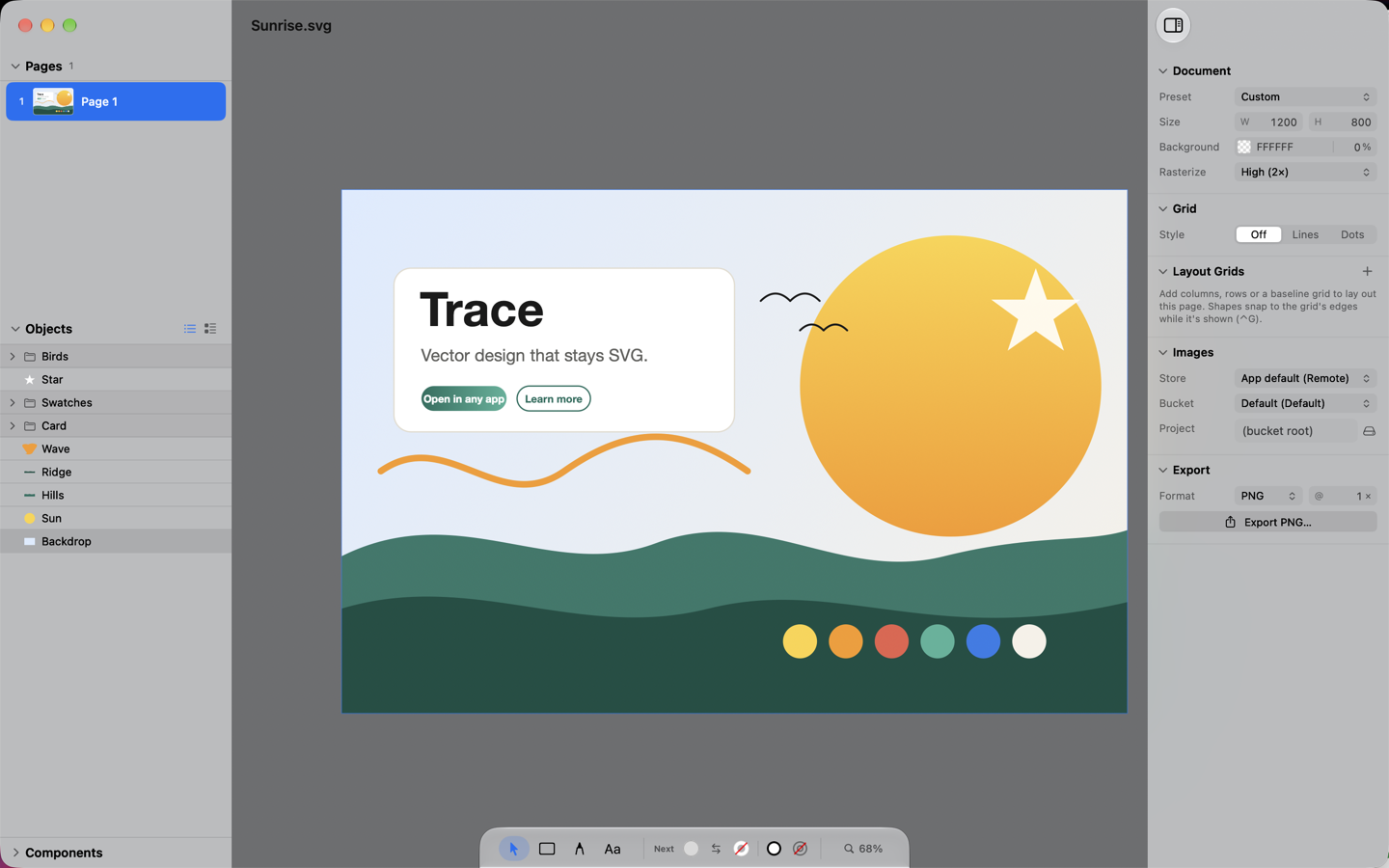
Trace is a vector design app for the Mac. Every document is a plain .svg file — open it in a browser, hand it to a developer, drop it into any other tool — with the depth of a professional editor when you need it.
What it
does
Plain SVG, no lock-in
Trace reads and writes standard SVG. What it draws, any browser renders; what it doesn’t understand, it leaves untouched. A document with several pages becomes one .tracesvg file that still holds ordinary SVG inside.
Real drawing tools
Pen, curvature, pencil and width tools with smart guides that name what they snapped to. Node editing, Pathfinder, Shape Builder, round corners, offset paths and blends — the toolkit you expect, on paths that stay editable.
Type that behaves
Point and area text with rich styling, lists, variable-font axes and OpenType features. A Typography panel for browsing fonts, and text that renders identically on the canvas, in the file and in a browser.
Color done properly
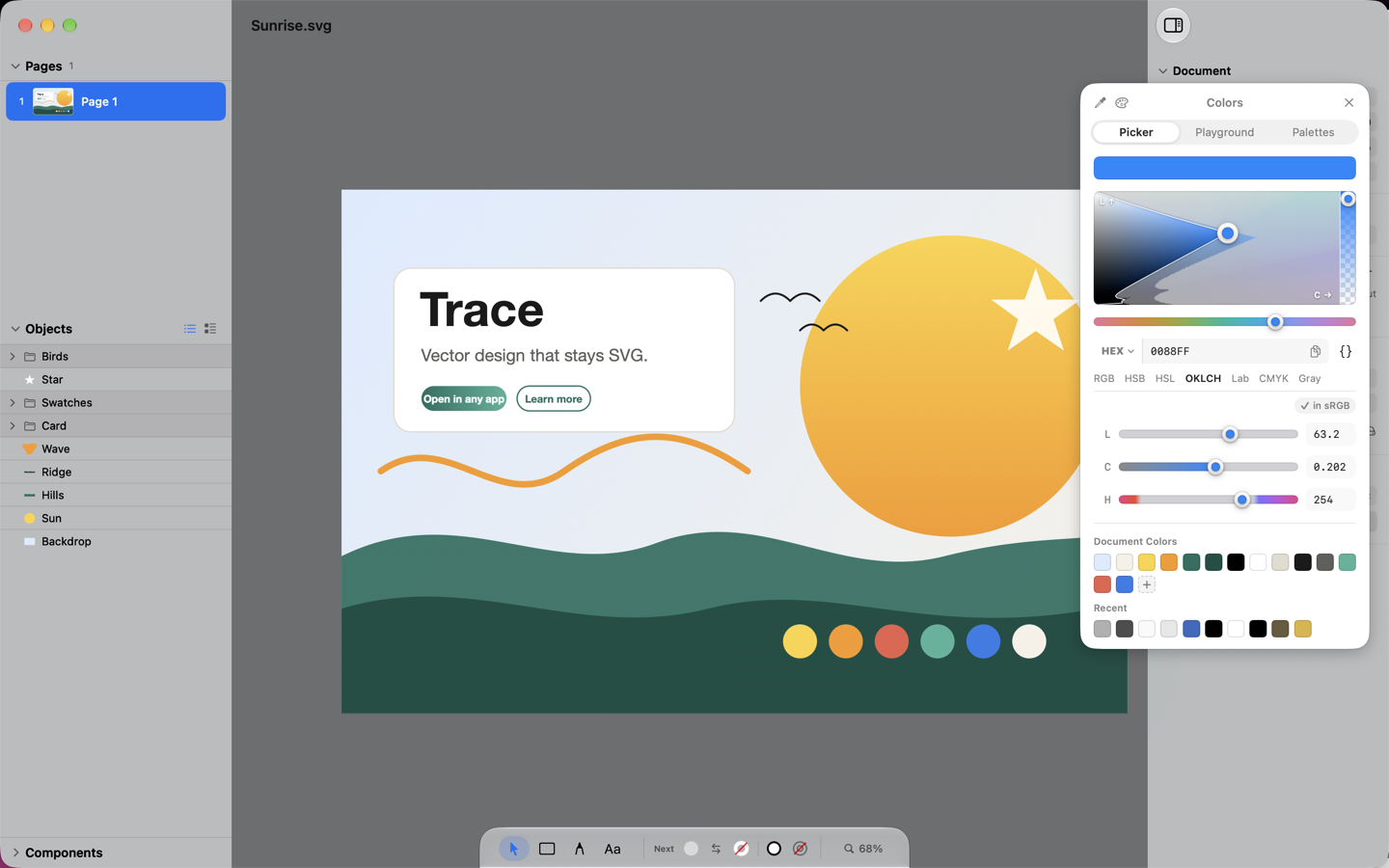
An OKLCH picker that never clips, with HSB, HSL, Lab and CMYK entry, a per-hue gamut map and screen sampling. Named document colors, palette libraries (CSS, Apple, Material, Tailwind, RAL) and import of .ase, .acb and .gpl swatches.
Layout, components, templates
Auto-layout frames that hug, fill and distribute; layout grids with columns, rows and baselines; components with instances and overrides; master pages for documents with many pages — all saved back into SVG.
Generators
Factory repeats a shape by formula. Background paints harmonized gradients, aurora blobs and flow fields. Plotter turns a photo into a vector mosaic; Image Trace into paths. Distort, warp and envelopes bend whatever you select.
Images where you want them
Keep images inside the file, as linked files in a folder you choose, or in your own S3-compatible bucket — per document. A bucket browser lets you reuse what’s already uploaded, make objects public or private, and copy expiring share links.
Export to anything
PNG at any scale, SVG, PDF, and PowerPoint decks with native shapes, text and images — one slide per page.
Private by design
Trace runs in the macOS sandbox with no accounts, no analytics and nothing phoning home. The only network it uses is the one you configure: your bucket, with your keys, kept in your Keychain.
See it
work
What it asks for,
and why
Trace opens the files you choose and, when a document keeps its images as linked files, asks once for access to that folder. If you set up an S3 bucket, uploads and downloads go straight from your Mac to your bucket with credentials stored in your Keychain. Nothing else leaves your Mac. The details are in the privacy policy.